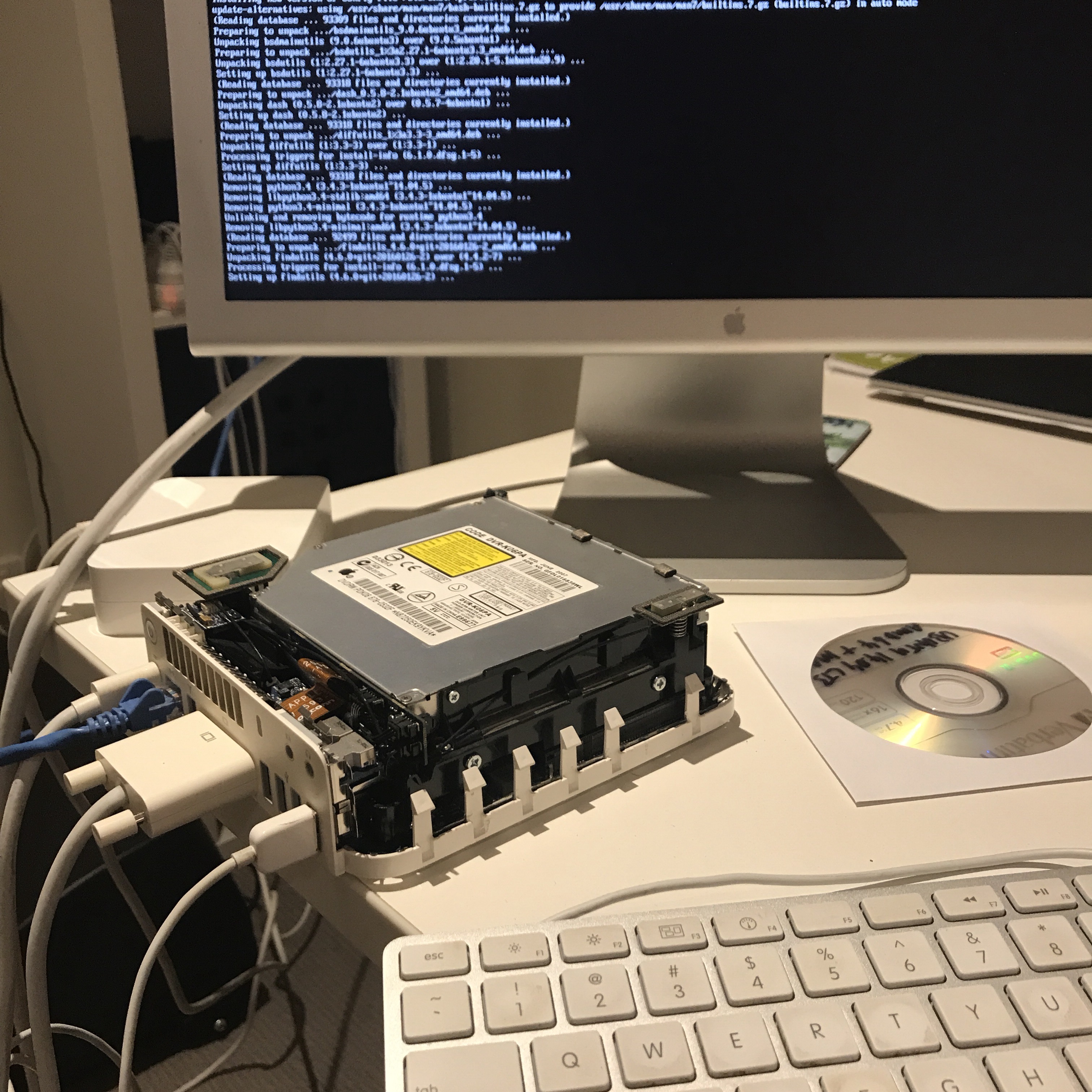
I’ve got a couple of Mac Mini 2,1 that have been sitting idle and forgotten for what seems like years. The 2.0 Ghz unit has 2Gb of RAM, a 120Gb spinning HDD, and a DVD burner.
First thing is to know that you can’t just get any ISO image and write it to USB and install. You’ll need to go old school DVD burning, plus use a special ISO. You’ll want option two from this page. The most recent mac server version I was able to find was 14.04 LTS.
After you have the ISO, you can burn it on the Mac Mini with:
hdiutil burn ubuntu-14.04.5-desktop-amd64+mac.iso
Next up, boot the disc holding the c key, then run through the install after which you should reboot.
Next, get the system up-to-date with:
sudo apt-get update && sudo apt-get dist-upgrade
followed by:
sudo reboot
then:
sudo do-release-upgrade
and after about 30 minutes, you should be at Ubuntu 16.04.3 LTS 🙂